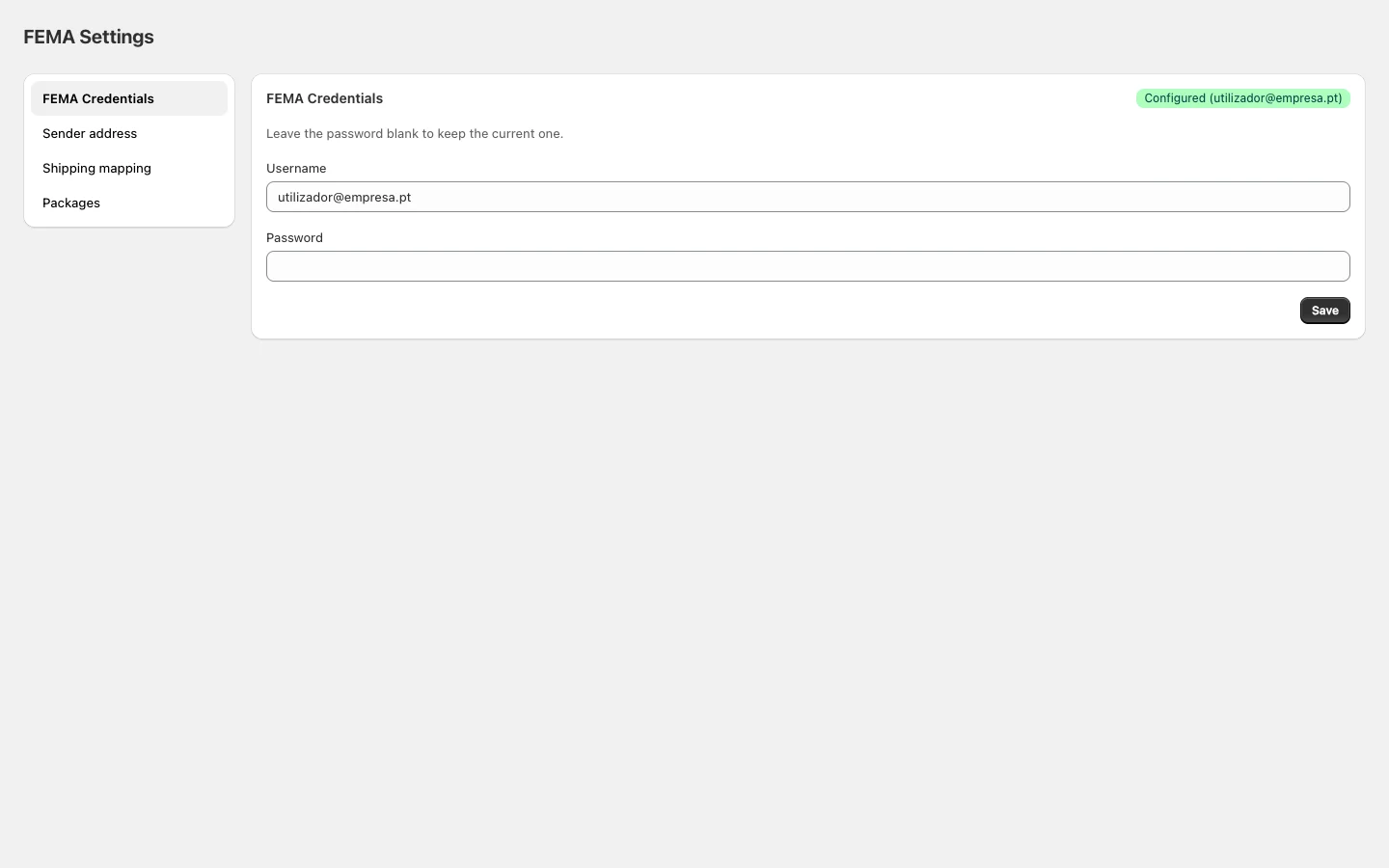
In Shopify Admin, open the FEMA app and click Sender address in the sidebar.
Fields
| Field | Required | Description |
|---|
| Name / Company | Yes | Name or company shown as the sender |
| Address | Yes | First line of the address |
| Address (line 2) | No | Address complement (floor, building, etc.) |
| City | No | Sender’s city |
| Postal code | No | Postal code |
| Country of origin | No | Shipping country (default: Portugal) |
| Phone | No | Contact phone number |
| Email | No | Contact email |
- Fill in at least the Name / Company and Address.
- Complete the remaining fields to ensure labels are fully populated.
- Click Save.
Always fill in phone and email. Some FEMA services require sender contact details for international shipments.