What they’re for
Packages are pre-defined templates for boxes or envelopes. When creating a shipment (individual or bulk), you can select a package instead of entering dimensions manually each time.
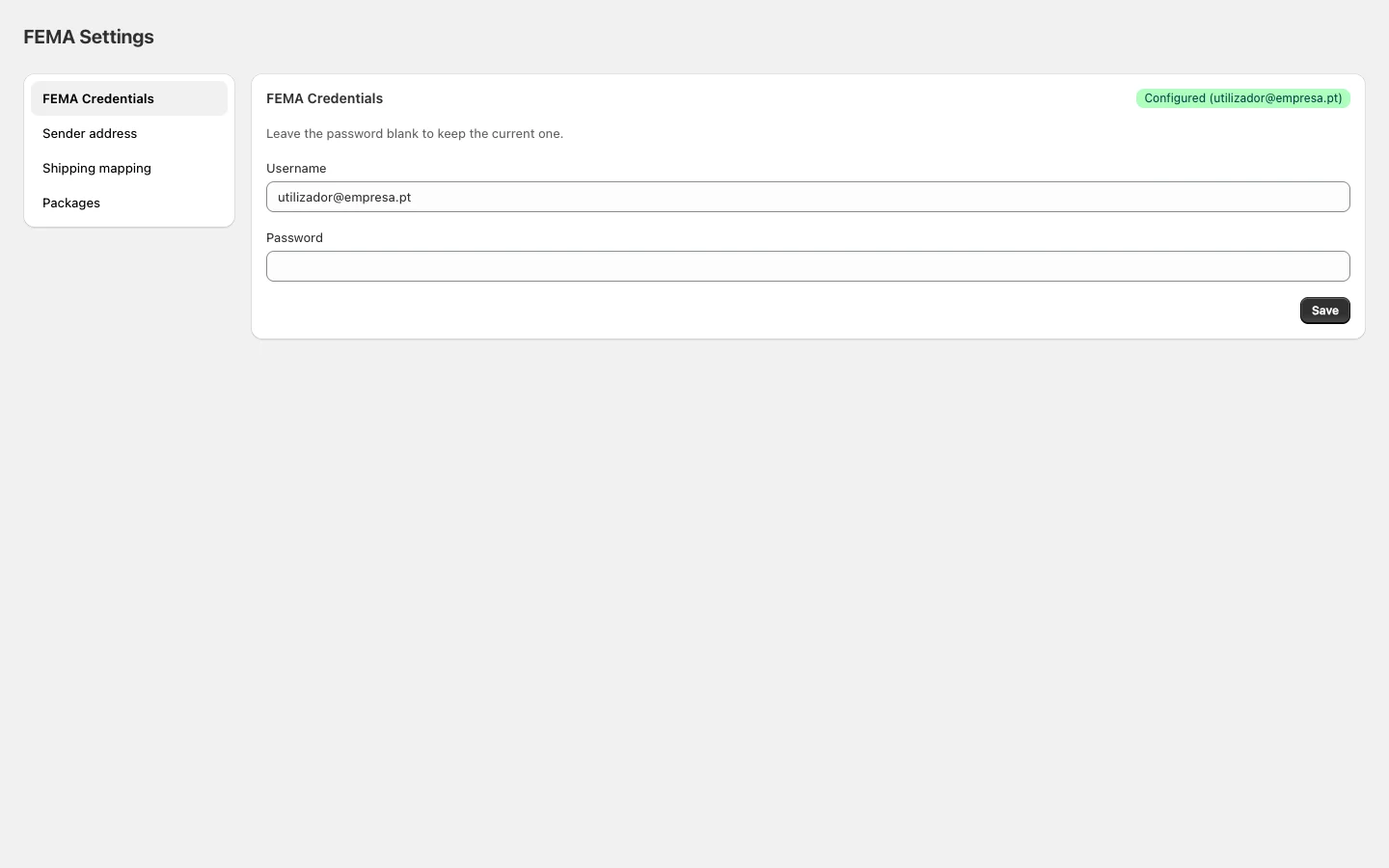
In Shopify Admin, open the FEMA app and click Packages in the sidebar.
Package types
| Type | Description |
|---|
| Caixa | Standard cardboard box |
| LTR | Envelope |
| PLT | Pallet |
| Rolo | Cylindrical packaging |
| Saco | Plastic or fabric bag |
Adding a package
- Click Add.
- Enter a name (e.g. “Small box”).
- Select the package type.
- Enter dimensions in centimetres: length, height, width.
- Click Save.
Editing or removing
- Click Edit on a package to change its properties.
- Click the trash icon to remove it.
Removing a package does not affect already-created shipments. It only stops being available for new ones.
| Field | Default value |
|---|
| Type | Caixa (Box) |
| Length | 20 cm |
| Height | 10 cm |
| Width | 2 cm |